FT232R (FTDI) USB Driver
Older / genuine FTDI-based Arduino boards use the FT232R chip. Use the FTDI drivers if your board is an FTDI-based device.
Windows
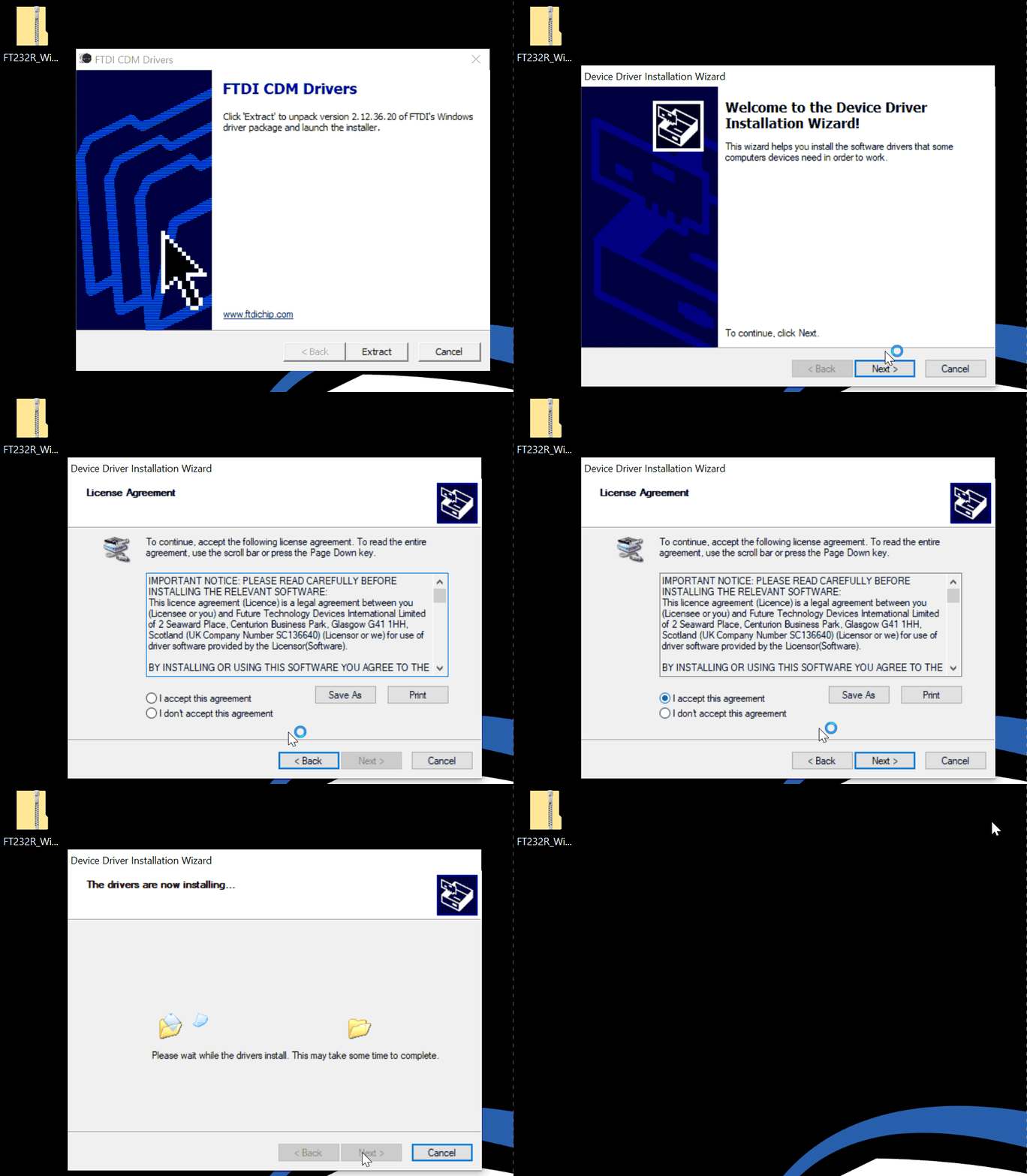
Mac
Unzip the file and run the installer. May need to allow in System Preferences.
Special Versions (Linux, 32-bit, etc)
If you need a special version for your computer you can find all the versions on the FTDI Website
32-bit, ARM, older Mac OS, etc
After installing the driver, reconnect the USB cable and open mBlock. If still not visible, try restarting your computer or see the Connect Arduino page.